
Turn your Google Maps Timeline into a travel map.
Years of location history, mapped in seconds. Export Timeline from Google Maps, open it in maplog, and see every country, state and city you've been to. Read on your phone, never uploaded.


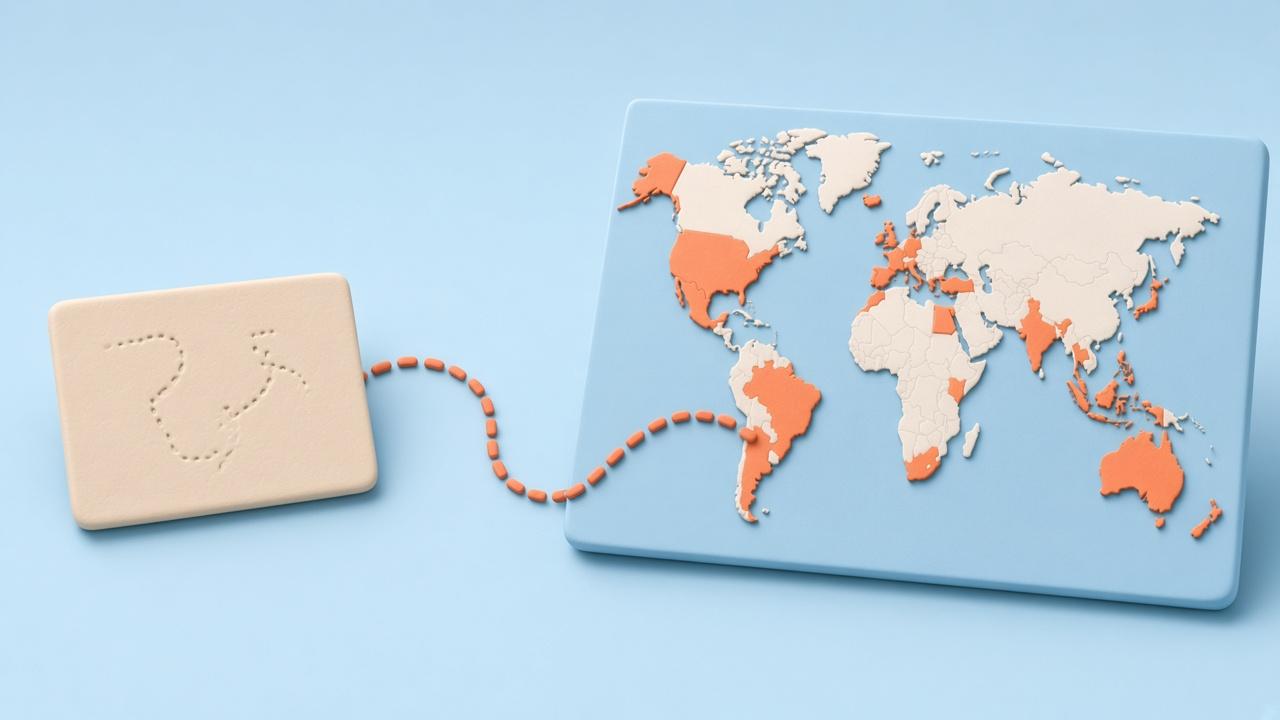
Your Timeline already knows where you've been
If Location History was on, Google Maps Timeline has a record of your trips going back years. maplog turns that file into a map of the countries, US states and other regions, and cities you visited, with the years you were there.
Export Timeline on iPhone
- Open the Google Maps app and tap your profile picture.
- Tap Settings, then Location & Privacy.
- Tap Export Timeline data.
- Tap Save to Files, then Save. The file is called location-history.json.
Export Timeline on Android
- Open your phone's Settings app.
- Tap Location, then Location services, then Timeline.
- Tap Export Timeline data and save the JSON file.
Open it in maplog
- In maplog, open Settings, then Google Maps, and choose the file. On iPhone you can also share it from the Files app to maplog.
- maplog reads it on your phone and lists the places it found, with visit counts and years.
- Keep or skip each place. Airport-only stops start unchecked.
Only have an old Takeout file?
On a computer, open takeout.google.com, select Location History (Google may label it Timeline), export as JSON and download the zip. Move it to your phone and choose it in maplog. Google's own steps are in its Timeline help page.
No Timeline? Use your photos
Timeline only covers the years it was switched on. Your photos often go back further: a photo scan reads their location tags on your phone and fills in the rest. Both work together, and you can always tap a place in by hand.
Questions
Why can't apps read my Google Maps Timeline directly?
Google moved Timeline onto your phone and doesn't let other apps fetch it, and signing in with Google doesn't share it either. Exporting the file is the only way to use it in another app.
Is my Timeline uploaded?
No. maplog reads the file on your phone and works out the places there. The file and the locations in it are never uploaded. What we store is your map: the places you keep and their dates.
I have an old Google Takeout file. Does that work?
Yes. maplog reads both the new Timeline export (a JSON file) and an older Google Takeout zip with Location History.
Is Timeline import free?
Timeline import is part of maplog pro, a one-time purchase. Countries, photo scans and tapping places on the map are free.
What if my Timeline has a stop I don't want on my map?
Nothing goes on the map until you keep it. maplog lists every country, region and city it found, airport-only stops start unchecked, and you skip anything that isn't right.
Start your map today.
Free to download. Your first country in seconds.